
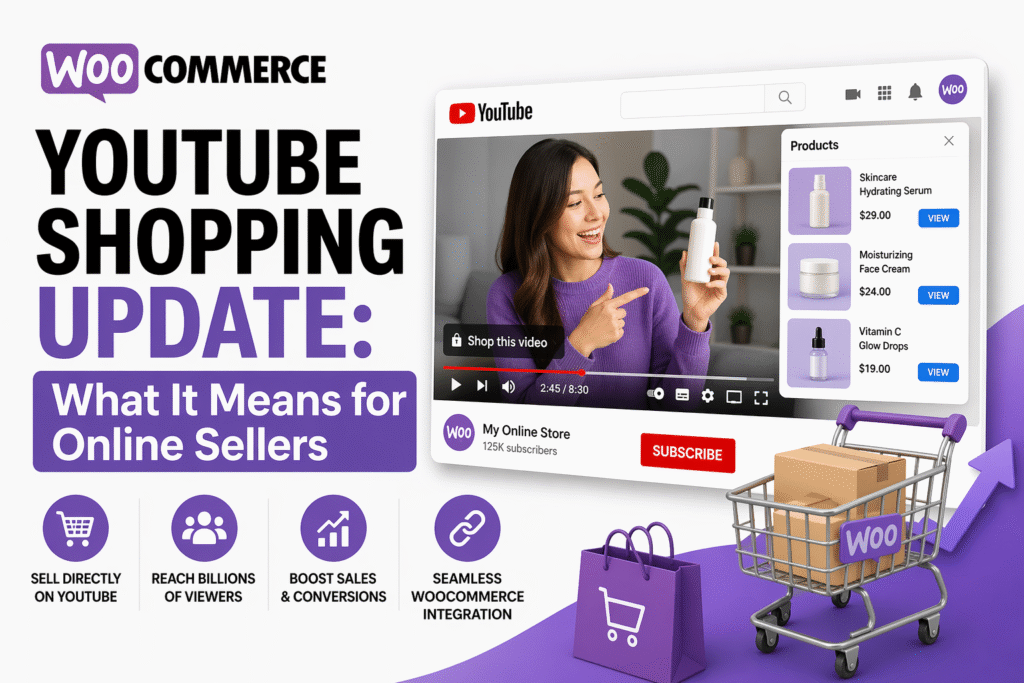
The way people discover and buy products online is shifting fast. YouTube, the world’s second-largest search engine, has now opened its doors to WooCommerce store owners through a direct shopping integration. For sellers already running WooCommerce stores, this update is worth paying close attention to.
What Is the WooCommerce YouTube Shopping Integration?
YouTube Shopping allows merchants to connect their product catalogs directly to their YouTube channel. With the new WooCommerce extension, store owners can sync their products to YouTube and tag them in videos, live streams, and Shorts — turning every piece of content into a potential storefront.
This integration works through the official YouTube Shopping extension available on the WooCommerce marketplace. Once connected, your product catalog syncs automatically, and viewers can browse and purchase without ever leaving the YouTube experience.
How It Works: A Quick Overview
The setup process connects your WooCommerce store to your Google Merchant Center account, which then feeds data into YouTube Shopping. Here is a breakdown of the core flow:
| Step | Action | Tool Used |
|---|---|---|
| 1 | Install the YouTube Shopping extension | WooCommerce Marketplace |
| 2 | Link your Google account and Merchant Center | Google Merchant Center |
| 3 | Sync your product catalog | Automated via extension |
| 4 | Tag products in videos and Shorts | YouTube Studio |
| 5 | Monitor performance | Google Analytics / YouTube Analytics |
Key Benefits for WooCommerce Store Owners
The integration unlocks a new layer of reach that most sellers have not tapped into yet. Here is what makes it significant:
Your products appear directly below or on top of YouTube videos, giving shoppers a frictionless path to purchase. Live streams become shoppable events where viewers can buy in real time while watching a product demonstration. YouTube Shorts, which now see billions of views daily, can carry product tags — putting your catalog in front of a fast-growing audience. The sync is automatic, so inventory and pricing stay updated without manual effort.
What Sellers Need to Be Eligible
Before setting up the integration, sellers must meet a few requirements. Your WooCommerce store must be active and in good standing. You need a Google Merchant Center account with approved product listings. Your YouTube channel must be enrolled in the YouTube Partner Program and have at least 1,000 subscribers. Additionally, the channel must be based in a country where YouTube Shopping is available.
These requirements mean the integration is better suited for established sellers rather than those just starting out. If your channel is growing but has not yet hit the threshold, this is a good moment to invest in content consistently.
Challenges to Keep in Mind
No update comes without trade-offs. Sellers should be aware of a few friction points before going all in.
Product approval through Google Merchant Center can take time, and listings that violate Google’s policies will not sync to YouTube. Managing two platforms — WooCommerce and YouTube Studio — adds a layer of operational complexity. Returns and refunds still happen through your WooCommerce store, so customer service workflows must be clearly defined. For sellers in niches with restricted advertising categories, eligibility issues may arise during the Merchant Center review process.
Is This the Right Move for Your Store?
If your brand already has a YouTube presence or you have been thinking about starting one, this integration makes a strong case for acting now. Video commerce is growing at a rapid pace, and early adopters tend to benefit from lower competition and higher organic reach before the channel becomes saturated.
For sellers who primarily rely on SEO and paid ads, this opens up a content-driven channel that can compound over time. A single well-performing video with tagged products can drive consistent traffic for months.
FAQs
Q1. Do I need a large YouTube channel to use WooCommerce YouTube Shopping?
You need at least 1,000 subscribers and must be part of the YouTube Partner Program. Channels below this threshold are not currently eligible for product tagging.
Q2. Is the WooCommerce YouTube Shopping extension free?
The extension itself is free to install from the WooCommerce marketplace. However, Google Merchant Center has its own policies, and running YouTube ads to promote shoppable content involves separate ad spend.
Q3. Can I tag products in old videos after setting up the integration?
Yes. Once your catalog is synced, you can go back into YouTube Studio and add product tags to previously published videos, not just new ones.
Q4. What happens if my product goes out of stock?
Since the catalog syncs automatically with your WooCommerce store, out-of-stock products are reflected in the feed and will not be shown to shoppers as available.
Q5. Does this integration work with WooCommerce variable products?
Yes, variable products with different attributes like size and color are supported, though the display experience may vary depending on how Google processes the variants in Merchant Center.
Q6. Will sales through YouTube Shopping show up in my WooCommerce dashboard?
Transactions completed through your WooCommerce store will appear in your dashboard as normal. YouTube acts as the discovery and click-through layer, while the purchase is processed on your storefront.
Q7. Is YouTube Shopping available in India?
YouTube Shopping eligibility and availability vary by region. Sellers should check the official Google Merchant Center and YouTube Help pages for the most current list of supported countries.
Final Thoughts
The WooCommerce YouTube Shopping integration is one of the more practical updates to come out of the platform in recent years. It closes the gap between content and commerce in a way that feels natural for buyers and manageable for sellers. If your store is eligible and your channel has an audience — even a modest one — setting this up sooner rather than later puts you ahead of the curve.
BizWithTech will continue to track how this integration evolves and what tools sellers can use to make the most of it.
Stay connected with BizWithTech for the latest in ecommerce tools, platform updates, and digital selling strategies.
Watch the full setup walkthrough in the video below to see exactly how the WooCommerce YouTube Shopping integration works step by step. This short guide will help you get your store connected without any confusion.
Discover more from
Subscribe to get the latest posts sent to your email.