Gem – Seller

How to Apply for GeM Caution Money Refund Step by Step

How to Apply for GeM Caution Money Refund Step by Step

If you registered as a seller on the Government e-Marketplace (GeM) and paid Caution Money, you may now be eligible to get that deposit back. With GeM’s updated Revenue Policy, Caution Money has been discontinued for new sellers, and existing sellers can withdraw their previously paid deposit directly from their dashboard. This guide breaks down

How to Apply for GeM Caution Money Refund Step by Step Read More »
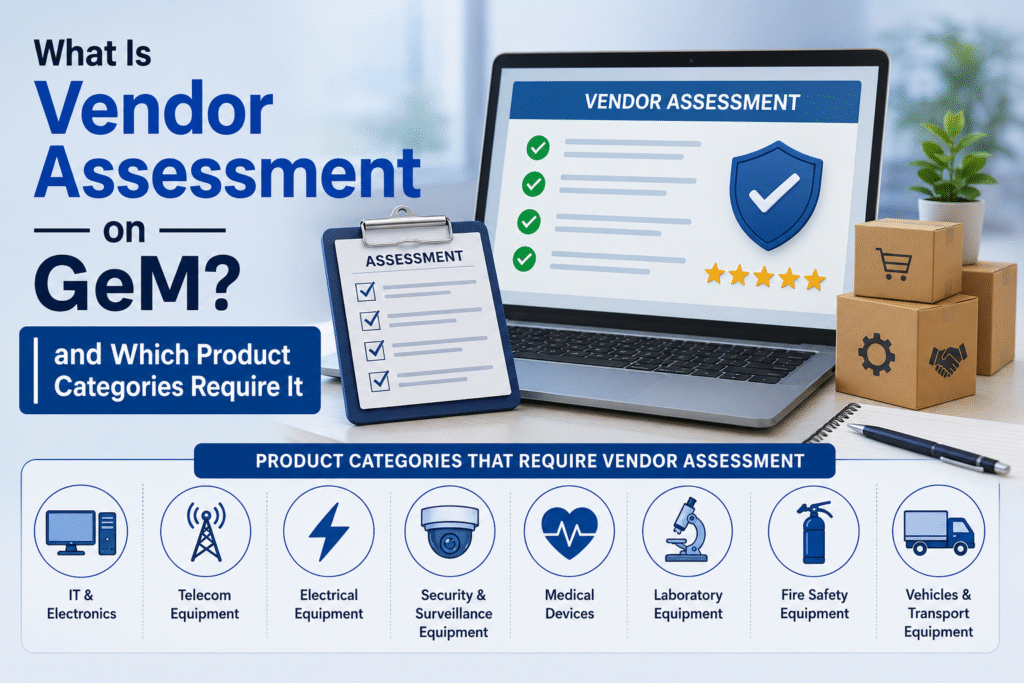
What Is Vendor Assessment on GeM and Which Product Categories Require It

What Is Vendor Assessment on GeM and Which Product Categories Require It

If you are selling on the Government e-Marketplace and your products are sitting in “pending” status for weeks, vendor assessment might be the reason nobody told you about. Many sellers complete their GeM registration, upload their catalogues, and then wonder why their products are not going live. The answer, in most cases, is a mandatory

What Is Vendor Assessment on GeM and Which Product Categories Require It Read More »

Why Your GeM Product Listing Gets Delisted and How to Reinstate It

Why Your GeM Product Listing Gets Delisted and How to Reinstate It

You uploaded your product on GeM, filled in all the details, and waited for orders. Then one day, the listing is gone. No warning. No order. Just a delisted product sitting in your seller dashboard. This happens to thousands of GeM sellers every month. The good news is that most delistings are fixable. But you

Why Your GeM Product Listing Gets Delisted and How to Reinstate It Read More »

What Is OEM Panel on GeM and How Does It Affect Your Product Visibility

What Is OEM Panel on GeM and How Does It Affect Your Product Visibility?

If you sell products on the Government e-Marketplace, you have likely come across the term OEM Panel. Many sellers treat it as a formality, but in reality, it has a direct bearing on how your products rank and get discovered by government buyers. Understanding it is no longer optional — it is essential. What is

What Is OEM Panel on GeM and How Does It Affect Your Product Visibility? Read More »

How to Fix “Product Not Approved” Status on GeM Portal

How to Fix “Product Not Approved” Status on GeM Portal

Getting a “Product Not Approved” status on the Government e-Marketplace (GeM) portal is one of the most frustrating roadblocks for sellers. You have uploaded your product, filled in every detail, and waited — only to find it sitting in rejected limbo. The good news is that in most cases, this is fixable. This guide breaks

How to Fix “Product Not Approved” Status on GeM Portal Read More »

How to Add a New Category to Your Existing GeM Seller Account

How to Add a New Category to Your Existing GeM Seller Account

Already selling on GeM and want to expand? You do not need a fresh registration. Adding a new category takes a few steps inside your existing seller dashboard — and opens doors to more government buyers and tenders. Why Sellers Add New Categories GeM works on a category-based system. Every product or service you sell

How to Add a New Category to Your Existing GeM Seller Account Read More »

How to Handle Order Cancellations and Returns on GeM Portal

How to Handle Order Cancellations and Returns on GeM Portal

Selling on GeM (Government e-Marketplace) is a great opportunity — but what happens when an order goes wrong? Maybe a buyer cancels at the last minute. Maybe the product reaches them damaged. Maybe you as a seller made a listing mistake. These situations happen, and if you don’t handle them the right way, your seller

How to Handle Order Cancellations and Returns on GeM Portal Read More »

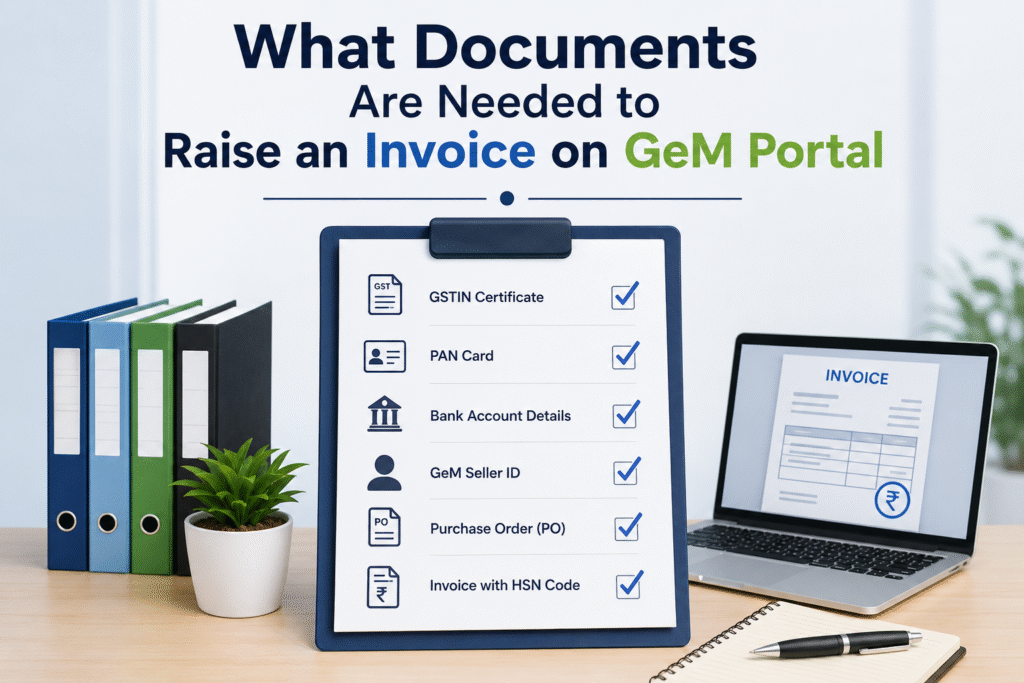
What Documents Are Needed to Raise an Invoice on GeM Portal

What Documents Are Needed to Raise an Invoice on GeM Portal

The Government e-Marketplace (GeM) portal has transformed the way businesses supply goods and services to government buyers in India. Once an order is confirmed on GeM, the next critical step is raising a correct and complete invoice. Many sellers face delays or rejections simply because they miss submitting the right documents at the right stage.

What Documents Are Needed to Raise an Invoice on GeM Portal Read More »

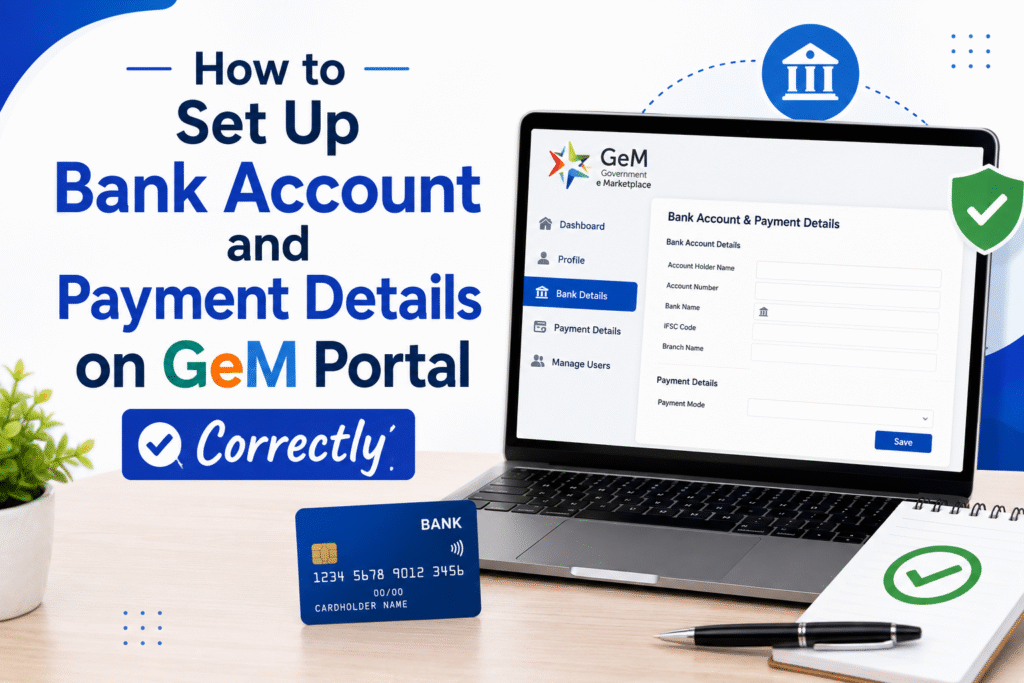
How to Set Up Bank Account and Payment Details on GeM Portal Correctly

How to Set Up Bank Account and Payment Details on GeM Portal Correctly

One of the most critical steps after registering on the Government e-Marketplace (GeM) is correctly adding your bank account and payment details. Skipping steps or entering wrong information can delay your payment settlements by weeks. This guide walks you through the exact process, what documents you need, and the common mistakes that trip up first-time

How to Set Up Bank Account and Payment Details on GeM Portal Correctly Read More »