
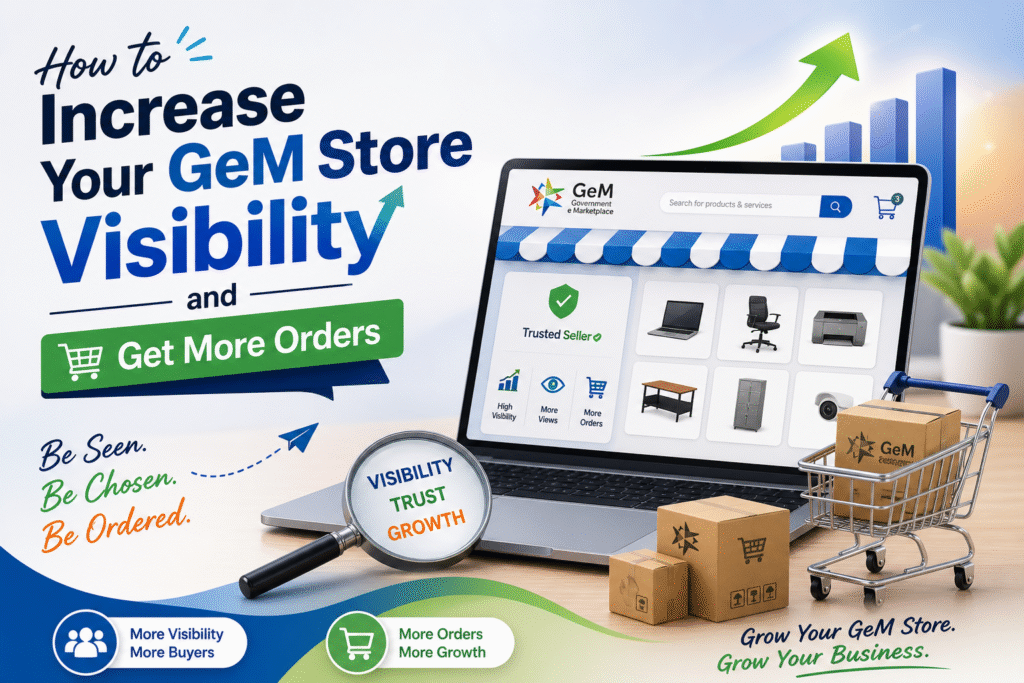
If you have registered as a seller on the Government e-Marketplace (GeM) but are not getting orders, the problem is rarely your product. Most of the time, it comes down to how your store and catalogues are set up, how you are positioned against competitors, and whether government buyers can even find you in the first place.
This guide from BizWithTech covers practical, tested steps to improve your GeM store visibility and start getting consistent orders.
Why Most GeM Sellers Get Zero Orders
The GeM portal gets thousands of new seller registrations every month. Many of them upload a few products, wait, and hear nothing. The reason is not a lack of government demand. Government buyers on GeM search for products using keywords, filter by ratings, price, delivery location, and OEM authorization. If your catalogue is incomplete or your store lacks credibility signals, buyers simply skip past you.
Visibility on GeM is not automatic. It has to be built systematically.
Complete Your Seller Profile Without Skipping Anything
Before anything else, your seller profile must be 100% complete. GeM’s internal ranking gives preference to sellers who have filled in all details including brand name, business description, MSME or startup status, and bank account details verified through penny drop.
Sellers who have not updated their ITR details or whose Udyam registration is missing often find their catalogues suppressed in search results. GeM also requires your PAN and Aadhaar to be linked correctly. Any mismatch here affects your seller trust score behind the scenes.
How Catalogue Quality Affects Your Ranking on GeM
GeM uses a catalogue quality score that directly affects where your product appears when a buyer searches. A poor catalogue pushes you to the bottom of search results even if your price is competitive.
The key factors that affect your catalogue score are product title, description completeness, number of images uploaded, correct category and sub-category mapping, and HSN code accuracy.
Your product title should follow GeM’s recommended format which is typically: Brand Name + Product Name + Key Specification. Avoid vague titles like “Best Quality Printer” and instead use something like “HP LaserJet Pro M404dn Monochrome Printer 38 ppm.”
Descriptions should be factual and use the exact technical language that a procurement officer would search for. Government buyers search by specification, not by marketing language.
The Role of Price in GeM Search Ranking
GeM buyers are government departments and PSUs. They are bound by procurement rules that push them toward the lowest compliant bid. If your price is significantly higher than competitors for the same product, you will not get shortlisted in most cases.
Use the GeM price comparison feature to check what others are charging. If you cannot match the lowest price, focus on differentiating through faster delivery timelines, better warranty terms, or OEM authorization which gives you a competitive edge that price alone cannot replicate.
GeM Store Visibility Factors at a Glance
| Factor | Why It Matters | What to Do |
|---|---|---|
| Catalogue completeness | Affects search ranking | Fill all fields, upload 4-5 images |
| Seller rating | Buyers filter by ratings | Deliver on time, respond to queries fast |
| Price competitiveness | Buyers compare prices | Stay within 5-10% of lowest price |
| OEM authorization | Builds buyer trust | Get brand authorization letter |
| Delivery pincode coverage | Buyers filter by location | Expand serviceable pincodes |
| MSME/Startup status | Some bids reserved for these | Register Udyam if eligible |
Get OEM Authorization and Use It
One of the most underused visibility tools on GeM is OEM (Original Equipment Manufacturer) authorization. If you are reselling a branded product, getting an authorization letter from the brand and uploading it to your GeM profile boosts your credibility significantly.
Many government buyers specifically filter for OEM-authorized sellers because it reduces risk for their procurement. If two sellers are selling the same product at similar prices, the one with OEM authorization almost always wins.
Respond to Bids and Custom Bids Quickly
GeM has two buying modes. In the direct purchase mode, buyers shortlist from the catalogue. In the bid or RA (Reverse Auction) mode, buyers invite competitive quotes. Many sellers only focus on catalogue visibility and miss bid opportunities entirely.
Check your GeM dashboard daily for custom bid invitations. Responding within the first few hours increases your chances significantly because buyers often close bids quickly once they have enough responses.
For Reverse Auctions, the system automatically selects the lowest bidder. Know your cost floor before participating so you do not underbid and end up with an unprofitable order.
Ratings and Reviews Are Your Long-Term Asset
On GeM, your seller rating is visible to every buyer before they decide to purchase. A seller with a 4.5 rating and 30 completed orders will almost always outrank a new seller with no history, even if the new seller has a lower price.
Every order you fulfil is a chance to build your rating. Deliver within the committed timeline, ensure packaging quality, and if any issue arises, resolve it through the GeM portal rather than outside it. Ratings built over 6 to 12 months become a durable advantage that new competitors cannot copy quickly.
Expand Your Pincode Coverage
GeM allows buyers to filter sellers based on delivery location. If your serviceable pincode list is narrow, you are invisible to buyers from states you have not covered. Even if you are physically located in Delhi but can ship nationally, make sure your GeM profile reflects pan-India delivery capability.
This is a simple setting that many sellers overlook, but expanding pincode coverage can immediately increase the number of buyers who can see your catalogue.
Use AI-Generated Product Descriptions the Right Way
Many sellers now use AI tools to write product descriptions. The problem is that AI-generated descriptions often sound generic and do not include the technical specifications that government procurement officers look for. A description that says “high quality, durable, and reliable” will not help a buyer who is searching for “500 VA UPS with 6 hours backup and sine wave output.”
Write descriptions that answer technical questions directly. Include model numbers, certifications (like BIS, ISO), power ratings, dimensions, warranty period, and compatible use cases. This is what wins you visibility on GeM.
Track Performance Using GeM Analytics
GeM provides a basic seller dashboard with data on how often your catalogue is viewed, shortlisted, and converted into orders. Many sellers never look at this data.
If a product has high views but zero orders, the problem is usually price or incomplete information. If a product has low views, the problem is likely the title, category mapping, or poor catalogue score. Use this data to make targeted changes rather than guessing.
Frequently Asked Questions
Q1. Does GeM rank catalogues the same way for all product categories?
No. Different categories have different quality parameters. For electronics, technical specifications matter most. For consumables, delivery timeline and price are the primary filters. Understand what buyers in your category prioritize.
Q2.Can I have multiple catalogues for the same product?
Yes, but duplicating catalogues for the same product without variation can get your account flagged. Create separate catalogues only if there is a genuine difference in specification, variant, or brand.
Q3.How long does it take to start getting orders on GeM?
Most new sellers see their first order between 30 to 90 days if their catalogue is complete and pricing is competitive. Sellers in high-demand categories like stationery, IT accessories, and office furniture tend to get orders faster.
Q4.Does MSME registration help with GeM orders?
Yes. Certain procurement categories on GeM are reserved exclusively for MSMEs and startups. If you qualify, Udyam registration can give you access to bids that non-MSME sellers cannot even see.
Q5.What should I do if my GeM catalogue is not appearing in search?
First check if your catalogue status is active and approved. Then verify your HSN code, category mapping, and whether all mandatory fields are filled. If everything looks correct, check if your price is too far above the market average, as GeM may suppress high-priced listings.
Q6.Is it worth participating in L1-based Reverse Auctions if my margins are thin?
Only if you know your exact cost floor. Winning an order at a loss creates fulfilment problems and can hurt your rating if you are unable to deliver. It is better to skip a bid than to win one you cannot fulfil profitably.
Discover more from
Subscribe to get the latest posts sent to your email.