
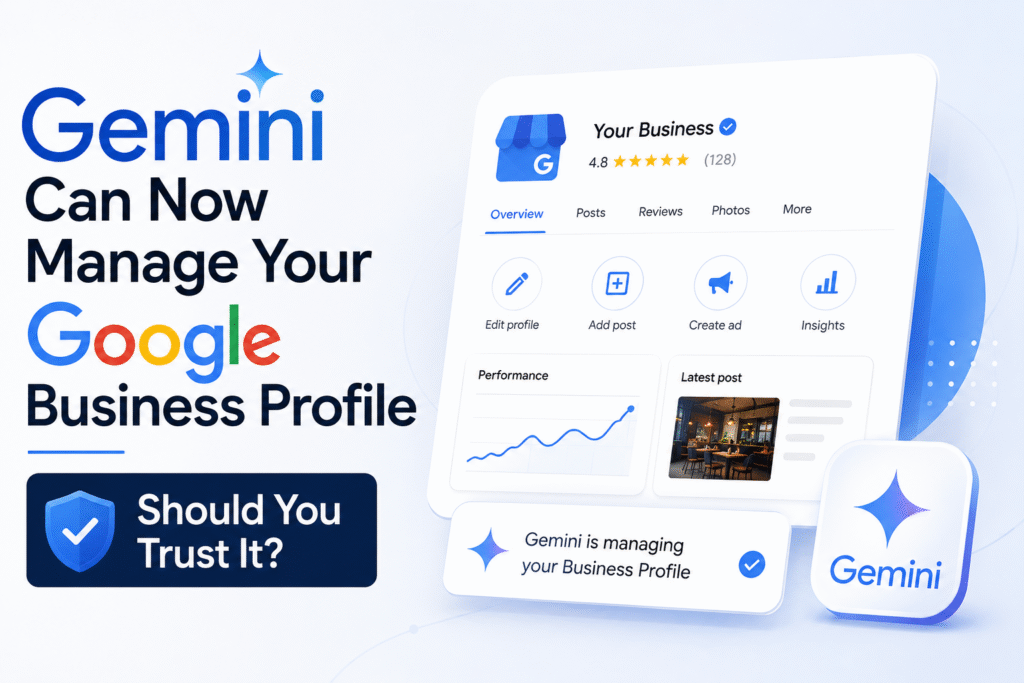
Google just gave business owners something new to think about. The Gemini app — Google’s AI assistant — can now connect to your Google Business Profile. That means you can ask Gemini to update your business hours, respond to customer reviews, check how your listing is performing, and more — all from inside a chat interface.
Sounds convenient. But should you actually hand over your business profile to an AI?
This post breaks it down in plain language so you can decide for yourself.
What Has Google Actually Changed?
Google is integrating Google Business Profile management tools directly into the Gemini app. Earlier, if you wanted to update your listing, reply to a review, or check your profile stats, you had to log into the GBP dashboard or use the Google Maps app.
Now, Gemini acts as a middleman. You type a prompt, and Gemini handles the action on your behalf.
For example, you can type: “Update my business hours for Sunday to 10 AM to 6 PM” — and Gemini will make that change in your Google Business Profile without you touching the dashboard.
This is part of Google’s broader push to make Gemini an all-in-one assistant for small business owners.
What Can Gemini Do With Your Business Profile?
Here is a quick breakdown of what is currently possible:
| Feature | What Gemini Can Do |
|---|---|
| Business Hours | Update regular and holiday hours |
| Review Replies | Draft and post replies to customer reviews |
| Business Description | Edit and update your profile description |
| Performance Insights | Summarise views, searches, and customer actions |
| Posts and Updates | Create and publish Google Business posts |
| Q&A Section | Help answer questions customers ask on your profile |
Not everything is automated. For some actions, Gemini drafts the content and shows it to you before publishing. For others, it may act directly — which is exactly where you need to pay attention.
A Real Example: How This Works in Practice
Imagine you own a printing shop in Delhi. A customer left a negative review saying their order was delayed. You open Gemini, type: “Reply to the latest negative review on my Google Business Profile.”
Gemini reads the review and drafts a professional reply. Something like: “We apologise for the delay in your order. We have noted your feedback and are working to ensure faster delivery. Thank you for letting us know.”
You can edit this before posting or approve it as is.
That is useful. But here is the problem — if you are not reading carefully, you might approve a reply that sounds polite but misses the actual issue the customer raised. Or worse, Gemini might misread the context and post something that makes the situation worse.
The tool is only as reliable as your attention to it.
Another Example: Updating Business Information
A restaurant owner in Bengaluru adds a new Sunday brunch menu. She asks Gemini to update the business description and post an update about the new offering.
Gemini drafts both. The description looks fine. But the post uses a generic phrase — “Visit us this Sunday for a special experience” — rather than anything specific about the menu. A customer reading that post gets almost no useful information.
This is the gap between AI convenience and human judgment. Gemini can do the task. Whether it does the task well depends on what you feed it and how closely you review the output.
Should You Trust Gemini With Your Business Profile?
The honest answer is: partially, yes — with conditions.
Gemini is reliable for:
- Getting a first draft of a review reply done quickly
- Pulling performance data into a simple summary
- Updating factual information like hours or contact details
- Creating a base draft for a business post
Gemini is not reliable for:
- Handling emotionally sensitive reviews without your input
- Writing brand-specific content that reflects your actual voice
- Making judgment calls about what to post or when
- Understanding the local context of your business or customers
The risk is not that Gemini will do something obviously wrong. The risk is that it will do something subtly off — and you will not notice unless you are reading carefully every single time.
What This Means for Your Local SEO
Your Google Business Profile is one of the strongest local SEO signals you have. Consistent information, genuine review responses, and regular posts all contribute to how Google ranks your listing in local search results.
If Gemini helps you stay consistent — posting regularly, replying to reviews faster, keeping hours updated — that is genuinely good for your local SEO.
If Gemini creates generic, low-effort content that replaces your authentic voice — that can quietly damage the quality of your profile over time.
The update itself is not a threat. Careless use of it is.
The Bigger Picture: AI Is Now Inside Your Business Infrastructure
This is not just a convenience feature. Google is embedding AI into the tools that directly control how your business appears in search. Gemini is now reading your reviews, accessing your performance data, and publishing content on your behalf.
That is a meaningful shift. It means your Google Business Profile is no longer just something you manage — it is something an AI can manage for you, if you allow it.
For a small business owner juggling ten things at once, that can be a genuine time-saver. But it also means you need to understand what Gemini is doing and why — not just approve every suggestion without reading it.
How to Use Gemini for GBP Without Making Mistakes
The safest way to use this feature right now:
Use Gemini to draft, not to publish. Review everything before it goes live on your profile.
Set aside five minutes a week specifically to check what Gemini has updated or suggested. Treat it like a junior assistant — useful, but not unsupervised.
For review replies, always personalise the draft. Add one specific detail about the customer’s experience before posting. That is what makes a reply feel real.
Do not let Gemini update critical information — like your address or primary category — without double-checking it manually in your GBP dashboard.
Frequently Asked Questions:
Q1. Is Gemini’s access to Google Business Profile available to all users?
Google is rolling this out gradually. Not every account will see the feature immediately. Check your Gemini app to see if the Business Profile integration is visible in your account.
Q2. Can Gemini post on my Google Business Profile automatically?
In some cases, yes — particularly for posts and review replies. This is why it is important to review Gemini’s suggestions before confirming any action.
Q3. Will using Gemini for GBP affect my local SEO rankings?
Indirectly, yes. If Gemini helps you stay active and consistent on your profile, it can support your rankings. If it publishes low-quality generic content, that can dilute your profile’s credibility over time.
Q4. Is this the same as Google’s old GBP dashboard?
No. The dashboard still exists and is more comprehensive. Gemini is an additional interface — a faster, conversational way to handle common tasks. Think of it as a shortcut, not a replacement.
Q5. Should I disconnect my Google Business Profile from Gemini if I am not using it?
If you are not actively using the feature, it is fine to leave it connected. Just check your profile regularly to ensure nothing has been changed without your knowledge.
Q6. Can a small business in India use this feature?
Google is rolling this out globally, but availability may vary by region and account type. Check the Gemini app on your device to see if the option appears in your account settings.
Discover more from
Subscribe to get the latest posts sent to your email.