
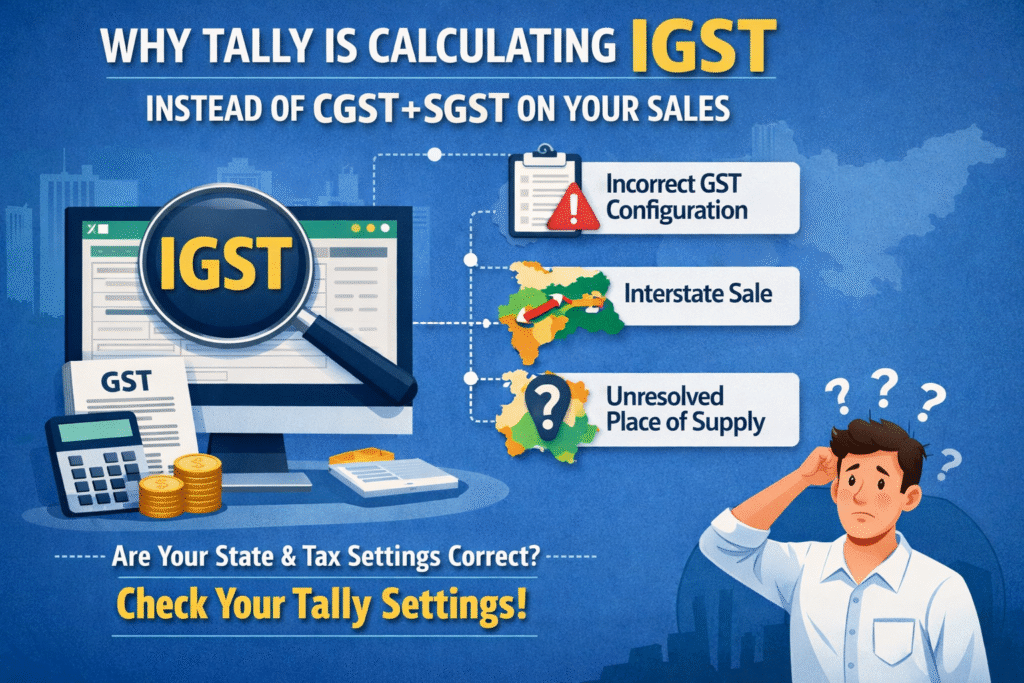
One of the most common GST errors Tally users report is seeing IGST calculated on a local sale when it should clearly show CGST and SGST. This is not a software bug — it is almost always a configuration issue that can be fixed in minutes once you know where to look.
What Actually Controls CGST+SGST vs IGST in Tally?
Tally decides which tax to apply based on one single factor: whether the buyer’s state matches the seller’s state. If Tally sees a mismatch — or cannot find the buyer’s state at all — it defaults to IGST. The logic is automatic, but it depends entirely on the data you have filled in your ledgers.
The Most Common Reasons This Happens
1. Party Ledger Has No State Selected
If the customer’s ledger does not have a state selected under the address details, Tally treats the transaction as interstate and applies IGST. This is the single most frequent cause.
2. Wrong State Selected in the Party Ledger
The customer may have a state assigned, but it could be incorrect — perhaps entered during bulk ledger creation. Even one wrong state entry flips the tax type on every invoice for that party.
3. GSTIN Entered Incorrectly
A GSTIN starts with a two-digit state code. If the GSTIN you have entered does not match the state selected in the ledger, Tally can behave unpredictably. Always ensure both are consistent.
4. Company State Not Set Correctly
Go to your company master and check the state field. If your own company’s state is blank or incorrect, Tally has no reference point to compare the buyer’s state against — and everything defaults to IGST.
5. Sales Ledger Linked to Wrong Tax Ledger
Sometimes a sales ledger is manually linked to an IGST duty ledger instead of letting the party state drive the tax type automatically. Review the sales ledger configuration and remove any hardcoded tax ledger if present.
Quick Comparison: IGST vs CGST+SGST in Tally
| Scenario | Tax Applied by Tally | Correct? |
|---|---|---|
| Buyer state = Seller state, both filled correctly | CGST + SGST | Yes |
| Buyer state is blank in party ledger | IGST | No — fill the state |
| Buyer state ≠ Seller state (interstate) | IGST | Yes |
| Company state is blank | IGST on all sales | No — update company master |
| GSTIN state code mismatches ledger state | IGST | No — correct the GSTIN or state |
How to Fix It Step by Step?
Open the party ledger in Tally (Gateway of Tally > Accounts Info > Ledgers > Alter). Scroll to the Mailing Details section and ensure the State field is filled with the correct state. Then check the GSTIN field and confirm the first two digits of the GSTIN match the state code for the state you have selected. Save the ledger and re-open the sales voucher — Tally will now recalculate the tax automatically.
If the issue persists across multiple parties, check your company master (F11 > Company Features) and confirm that your registered state is correctly selected there as well.
What If the Tax Is Already Wrong on Posted Invoices?
You will need to alter each affected voucher individually. Open the voucher, and once the party ledger is corrected, the tax components will update upon recalculation. If you are working with a large volume of invoices, it is worth running the GST Audit tool inside Tally (under Display > Statutory Reports > GST) to identify all mismatches in one place before you start correcting them.
Watch This Fix in Action
Want to see exactly where to click inside Tally to fix this error? We have put together a step-by-step video walkthrough showing each ledger setting in real time. Search “BizWithTech IGST fix Tally” on YouTube or check the BizWithTech channel for the full tutorial — it covers both Tally Prime and Tally ERP 9.
Frequently Asked Questions
Q. Why does Tally show IGST even when the buyer is in the same state?
The most likely reason is that the state field in the party ledger is either blank or has the wrong state selected. Tally cannot determine it is a local sale without this information, so it defaults to IGST.
Q. Does correcting the ledger fix old invoices automatically?
No. Correcting the ledger updates future transactions. For past vouchers, you need to open and alter each one manually so Tally recalculates the tax.
Q. Can a wrong GSTIN cause IGST to appear on local sales?
Yes. If the state code in the GSTIN does not match the state in the ledger, Tally may apply IGST. Always verify both fields are consistent with each other.
Q. What if my company’s own state is not set in Tally?
Tally will apply IGST on all sales because it has no home state to compare against. Go to your company master and fill in your registered state immediately.
Q. Is this a bug in Tally Prime or Tally ERP 9?
This is not a bug. It is the expected behavior when ledger data is incomplete. Tally relies on correctly filled master data to apply GST rules — the logic itself is correct.
Q. How do I check multiple party ledgers quickly?
Use Gateway of Tally > Display > List of Accounts, export the ledger list, and filter for parties where the state column is blank. That gives you a fast view of all ledgers that need attention.
Discover more from
Subscribe to get the latest posts sent to your email.