
What’s Going On?
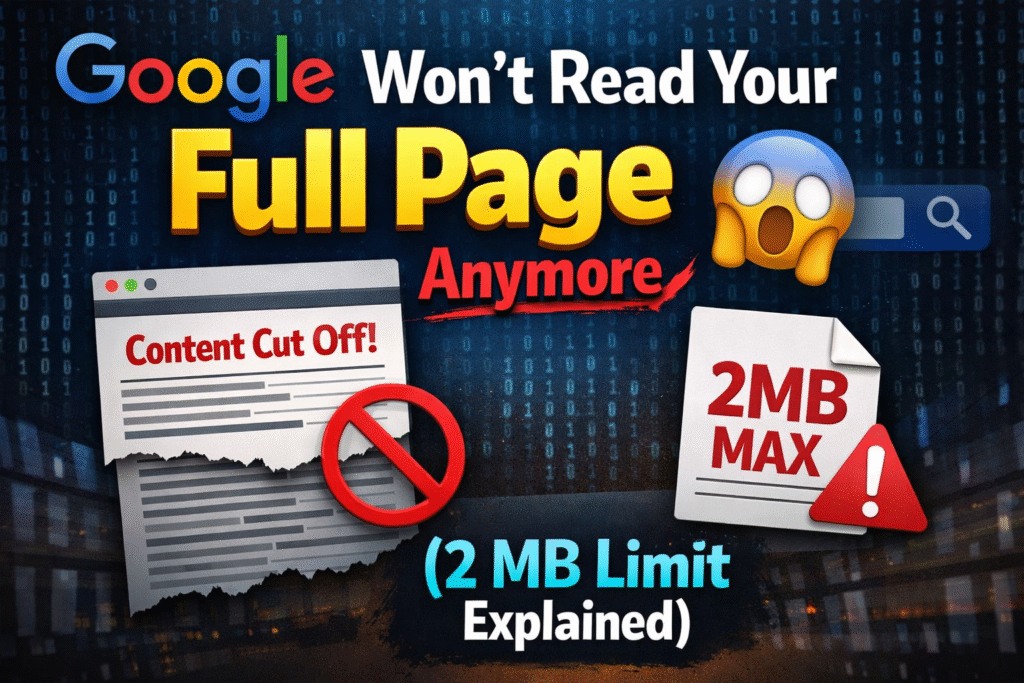
Google has quietly set a 2 MB limit on how much of your web page it will read.
That means — if your page’s HTML code is bigger than 2 MB, Google simply stops reading right there. Whatever content comes after that point? Google has no idea it even exists.
And if Google can’t read it… it definitely won’t rank it.
Let Me Explain With a Simple Example
Imagine you wrote a 500-page book and handed it to a librarian.
But the librarian says: “Sorry, I only read the first 100 pages. Whatever’s on page 101 onwards — I’m not cataloguing that.”
Now if your most important chapter — the one people are actually searching for — is on page 200, the librarian will never know it exists. It won’t show up in any search.
That’s exactly what Google is doing with your web page.
What Is “HTML” Anyway? (For Non-Tech People)
Every website has two parts:
- What you see — the text, images, buttons on screen
- What’s behind the scenes — the HTML code that tells Google what your page is about
Google reads that behind-the-scenes HTML code. And now it only reads up to 2 MB of it.
Is 2 MB Really That Small?
For most normal websites — no, you’re totally fine.
A typical blog post or product page is usually between 30 KB to 200 KB. That’s way under 2 MB.
But some websites accidentally make their HTML really heavy. Here’s who needs to worry:
🛒 Online stores with hundreds of products on one page If you list 500 products with full descriptions, prices, and specs all on a single page — your HTML can easily balloon past 2 MB.
💬 Forum pages or blog posts with thousands of comments Every comment gets added to the HTML. More comments = heavier page.
⚙️ Pages with too much inline code Some developers write CSS styling or JavaScript directly inside the HTML file instead of separate files. This makes the HTML file huge.
📊 Pages with large data blocks embedded in HTML Some websites store entire product databases or tracking data directly inside the HTML. That adds up fast.
Real-World Example
Let’s say you run a shoe store online.
You have a category page showing all your 400 shoes. Your page looks like this:
- Top of page: Logo, navigation menu, filter buttons
- Middle: First 200 shoes with photos and descriptions
- Bottom: Last 200 shoes + your SEO-optimized text like “Best running shoes in India — buy online at best prices”
If your HTML crosses 2 MB before reaching the bottom section, Google never reads that SEO text. It never indexes those last 200 products properly. Your rankings drop — and you have no idea why.
How Do You Know If Your Page Is Affected?
Here’s a simple way to check:
- Open your webpage in Chrome
- Right-click → click “View Page Source”
- Press Ctrl + A to select all, then copy it
- Paste into any online character counter or word counter tool
- Check the file size — if it’s under 2,000 KB (2 MB), you’re safe
You can also use Google Search Console → URL Inspection Tool and look for any crawl warnings on your important pages.
How to Fix It (If You’re Over 2 MB)
1. Move CSS and JavaScript to separate files Don’t stuff styling and scripts inside your HTML. Keep them in their own .css and .js files. This alone can reduce your HTML size dramatically.
2. Break one big page into multiple smaller pages Instead of listing 500 products on one page, create 5 pages with 100 products each. Easier to read — for Google and your users.
3. Load content lazily Show only the first 50 products when the page loads. Load more only when the user scrolls down. This keeps the initial HTML light.
4. Remove unnecessary code and comments Old leftover code, developer notes, and debugging scripts inside HTML can take up surprising amounts of space.
5. Use a page size checker tool Tools like Screaming Frog, Sitebulb, or even Google Search Console can flag pages that are too large.
The Bottom Line
Google reading only 2 MB of your HTML is not a punishment — it’s just how their crawler works efficiently across billions of pages. For most websites, this won’t affect you at all.
But if you run a large e-commerce site, a heavy forum, or a content-packed page — it’s worth checking. Because if your most important content sits beyond that 2 MB mark, you’re essentially invisible to Google.
Keep your HTML clean, lean, and organized — and Google will have no trouble reading every word you write.
Watch the Full Breakdown on YouTube
Want to see this explained visually with live examples? We’ve covered this topic in detail on our YouTube channel — step by step, with real website demos.
🎬 Watch here:
Don’t forget to like, subscribe, and hit the bell icon so you never miss an SEO update that could affect your website rankings.
Discover more from
Subscribe to get the latest posts sent to your email.