
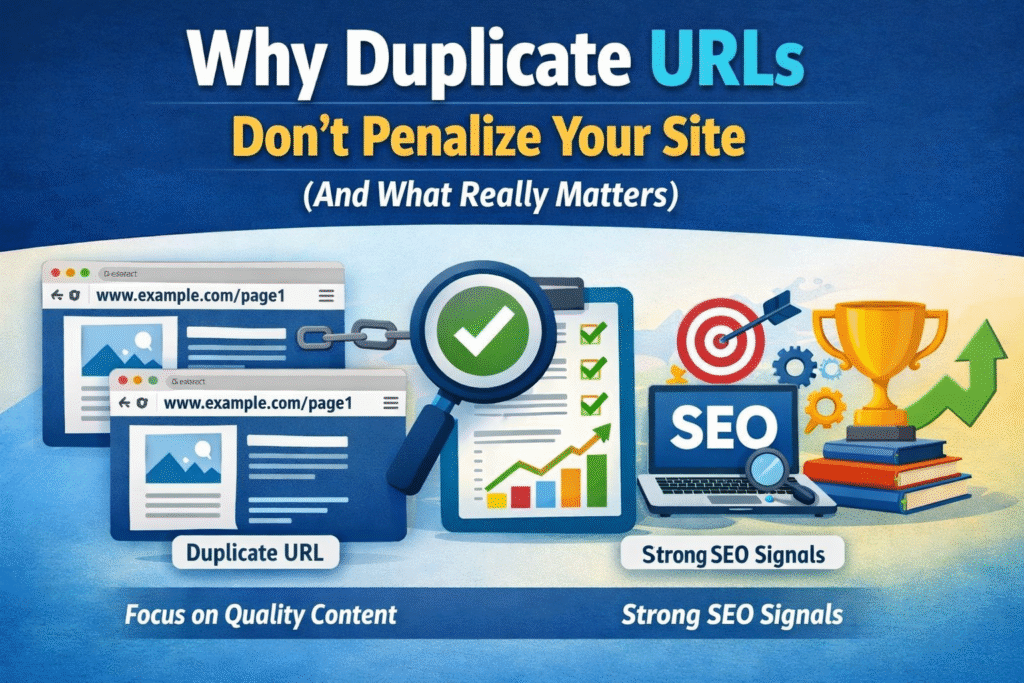
First, Let’s Clear the Air
If you’ve ever Googled your own website and found the same page showing up with different links, you probably panicked. “Am I getting penalized by Google?!” Take a breath — you’re likely not.
Duplicate URLs are one of the most misunderstood topics in SEO. Most website owners think Google will punish them for having the same content appear at two different web addresses. But here’s the truth: Google doesn’t directly penalize you for duplicate URLs. What it does is get confused — and that confusion is what causes the real damage.
Let’s break it all down in simple language.
What Are Duplicate URLs, Anyway?
A duplicate URL is when the same (or very similar) content can be reached through more than one web address.
For example, all four of these could show the exact same homepage:
http://bizwithtech.comhttps://bizwithtech.comhttp://www.bizwithtech.comhttps://www.bizwithtech.com/index.php
To you, they look like the same page. To Google’s crawler, they look like four separate pages with identical content. That’s where the problem starts.
So Google Doesn’t Penalize Duplicate URLs?
Correct. Google has officially said it does not apply a manual penalty just because your content appears at more than one URL. But here’s what it does instead — and this is the part that actually hurts your rankings:
1. Google Picks the “Wrong” Version
Google will choose which URL it thinks is the “real” one (called the canonical URL). If it picks the wrong one, your preferred page may not rank at all.
2. Your Crawl Budget Gets Wasted
Google only spends a limited amount of time crawling your site. If it keeps revisiting duplicate pages, it may never get to your important new content.
3. Link Signals Get Split
If some websites link to http://yoursite.com/blog and others link to https://yoursite.com/blog, the SEO value (called link equity) gets divided between two URLs instead of all going to one strong page.
Common Causes of Duplicate URLs
You might have duplicate URL issues without even knowing it. Here are the most common reasons they happen:
- HTTP vs HTTPS — Both versions of your site are accessible
- WWW vs non-WWW —
www.bizwithtech.comandbizwithtech.comboth work - Trailing slashes —
/blog/and/blogare treated as different pages - URL parameters — Like
/page?sort=priceor/page?ref=emailcreating new URLs - Session IDs — Some old platforms add unique IDs to every URL for tracking
- Printer-friendly pages — Old sites sometimes had a
/print/version of every article - Capital vs lowercase letters —
/Blogvs/blogcan be seen as different pages
What Actually Matters: The Real SEO Risks
Here’s the honest truth — the problem isn’t duplicate URLs themselves. The problem is what they signal and cause. Here’s a simple table to understand the real impact:
| Issue Caused by Duplicate URLs | Why It Hurts You |
|---|---|
| Google picks the wrong canonical | Your preferred page may not rank |
| Crawl budget wasted | New or important pages get ignored |
| Link equity split | Your pages become weaker in rankings |
| Confusing analytics data | You can’t track performance accurately |
| Inconsistent brand signals | Google trusts your site less over time |
What You Should Actually Do About It
Now that you know duplicates don’t directly penalize you, here’s what you should focus on to keep things clean:
1. Use Canonical Tags
A canonical tag is a small piece of code you add to your page that tells Google: “Hey, this is the original version. Please use this one.”
It looks like this in your page’s code: <link rel="canonical" href="https://bizwithtech.com/your-page/" />
2. Set Up Proper Redirects (301)
If your site is accessible on both www and non-www, or both http and https, set up a 301 redirect so all versions automatically point to one main version.
3. Use Google Search Console
Go to Google Search Console → URL Inspection → and check which version of your URL Google has indexed. This tells you exactly what Google sees as your “main” URL.
4. Keep Your Internal Links Consistent
Make sure that within your own website, you always link to the same version of every page. Don’t link to /blog/ in one place and /blog in another.
5. Avoid Unnecessary URL Parameters
If your CMS adds parameters like ?sessionid=123 or ?utm_source=email to every page, configure your site to not let Google crawl those as separate pages.
A Real-Life Example to Make It Click
Imagine you run a small bakery and you print flyers. You send 100 flyers to Street A with your address as “12 Baker Street” and another 100 to Street B with “12 Baker St.” — same place, different wording.
Half your customers show up confused. Half show up at the right place. And when someone asks “which address is the bakery at?” — nobody is sure anymore.
That’s exactly what duplicate URLs do to Google. Same content, different addresses, total confusion.
The LLM Angle: Why This Matters Even More Now
With AI tools like ChatGPT, Gemini, and other LLMs (Large Language Models) now being used to answer search questions, something new is happening: these models are trained on web content.
If your content appears across multiple duplicate URLs, AI models may:
- Index fragmented or low-quality versions of your content instead of the best one
- Attribute content incorrectly, making it harder for your brand to get credit
- Reduce your chances of being cited in AI-generated answers, because duplicate signals make your authority harder to measure
In the age of AI search, having a clean, consolidated URL structure isn’t just good SEO — it’s how you make sure the right version of your content gets picked up and credited by AI systems.
Quick Summary: What to Remember
- Duplicate URLs do not directly penalize your site in Google
- They cause confusion, wasted crawl budget, and split link equity
- The real fix is canonical tags, 301 redirects, and consistent internal linking
- In the AI/LLM era, clean URLs matter even more for getting your content cited correctly
- Use Google Search Console regularly to monitor which URLs Google actually indexes
[Watch Now on BizWithTech YouTube →
Frequently Asked Questions (FAQs)
Q1. Will Google ban my site for duplicate URLs?
No. Google does not issue penalties or bans for duplicate URLs. It simply tries to pick the best version — but it may pick the wrong one, which affects your rankings indirectly.
Q2. What is a canonical tag and do I really need it?
A canonical tag tells Google which version of a page is the “official” one. Yes, you need it — especially if your CMS (like WordPress or Shopify) automatically creates multiple versions of the same URL.
Q3. Does using UTM parameters for tracking create duplicate URLs?
Yes, they can. URLs with ?utm_source=email look different to Google even if the page content is identical. Use Google Search Console to tell Google to ignore these parameters, or block them in your robots.txt file.
Q4. How do I know if my site has a duplicate URL problem?
You can check by typing site:yourdomain.com in Google and looking for the same content appearing at different URLs. Tools like Screaming Frog, Ahrefs, or Semrush can also scan your whole site for duplicates.
Q5. What’s the difference between duplicate URLs and duplicate content?
Duplicate URLs means the same page is accessible at more than one address. Duplicate content means the same text/content appears on multiple different pages. Both can confuse Google, but they have different fixes.
Q6. If I fix duplicate URLs, will my rankings improve immediately?
Not necessarily immediately. Google needs time to recrawl your site after you make changes. Most people see improvements within a few weeks to a couple of months.
Q7. Does this affect how AI tools like ChatGPT or Gemini find my content?
Yes, increasingly so. LLMs and AI search tools train on web content and look for authoritative, well-structured sources. Duplicate and fragmented URLs can reduce your chances of being picked as a reliable source in AI-generated answers.
Prefer watching over reading? Check out our YouTube video where we walk through duplicate URLs, canonical tags, and what really matters for your SEO — step by step.